
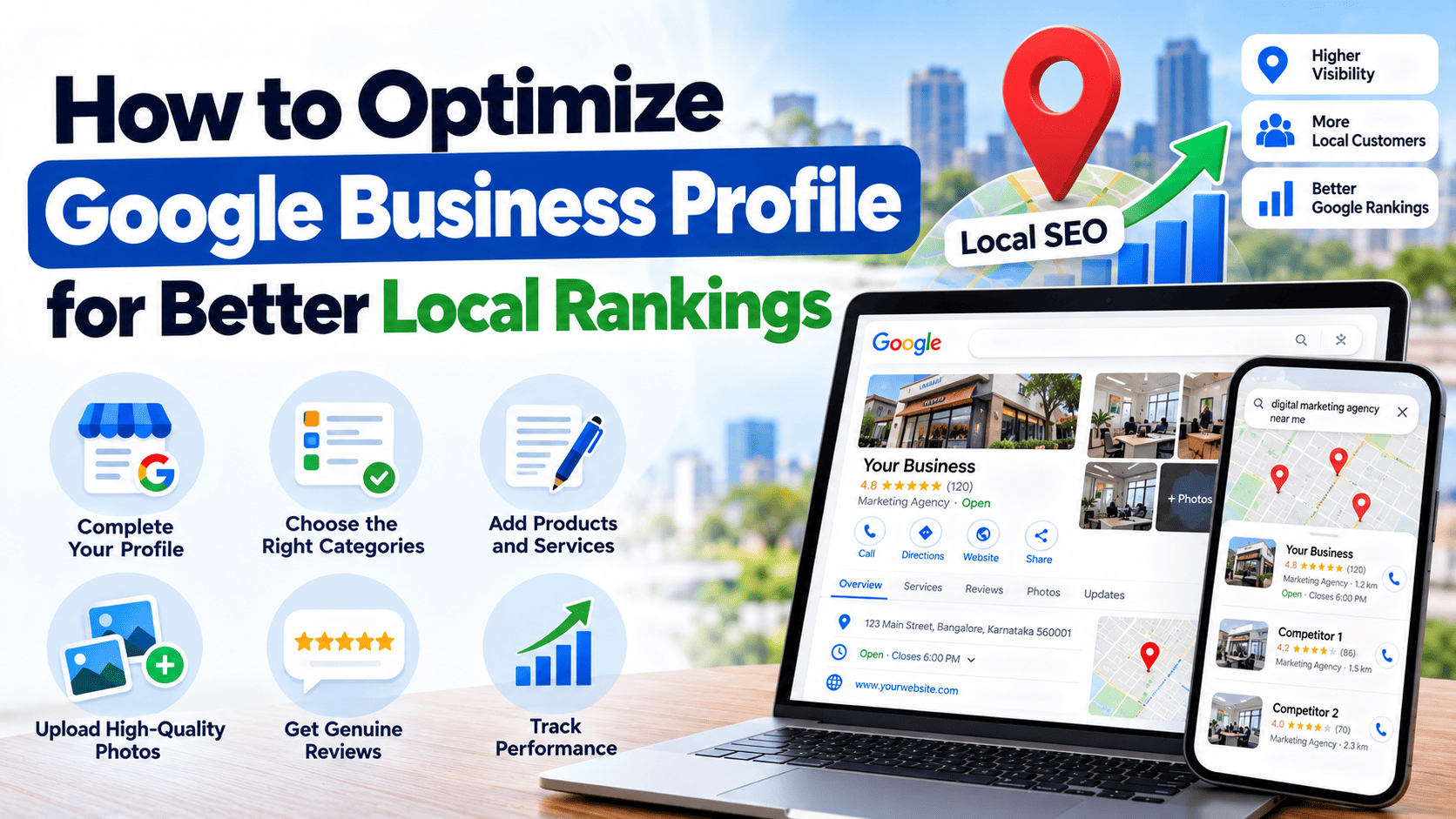
If you own a local business, getting found on Google can help you attract more customers. Whether you are an interior designer, real estate consultant, dentist, or digital marketing freelancer, people often search on Google before choosing a service provider.
For example, someone looking for an interior designer may search for “interior designer in Bangalore” or “home interior design near me.” Google can show local businesses on Google Search and Google Maps that match the search.
A well-maintained Google Business Profile helps people learn about your business, check your reviews, see your work, find your contact details, and decide whether to contact you
But simply creating a profile is not enough. You need to keep your information accurate, choose the right business category, collect genuine reviews, add useful photos, and improve your website’s local SEO.
In this guide, you will learn how to optimize your Google Business Profile for better local rankings
What Is Google Business Profile?
Google Business Profile is a free tool that allows eligible businesses to manage how they appear on Google Search and Google Maps.
It helps you share important information, including:
- Business name and contact details
- Business address or service area
- Opening hours
- Business category
- Services offered
- Customer reviews and ratings
- Photos and videos
- Website link
For example, an interior designer serving Bangalore can use a Business Profile to show the types of interiors they create, the areas they serve, their contact number, and customer feedback.
When people search for related services, this information helps them understand whether the business meets their needs.
Important: Google Business Profile optimization can improve your chances of appearing in relevant local searches, but no one can guarantee a specific Google Maps position.
Why Is Google Business Profile Important for Local SEO?
Local SEO helps businesses become more visible when people search for services in a particular location.
Imagine a homeowner living in Whitefield, Bangalore. They want to redesign their apartment and search for an interior designer on Google.
They may see a map with local businesses, along with ratings, reviews, locations, and contact details.
A complete and accurate Business Profile can help your business provide the information these potential customers need.
Here are some key benefits.
1. Better visibility in local searches : An optimized profile gives Google useful information about your business and its services. This can help Google understand which searches are relevant to your business.
2. More phone calls and enquiries : Customers can use your profile to call your business, visit your website, request directions where applicable, or learn about your services.
3. Greater customer trust : Real project photos, honest reviews, accurate details, and helpful responses can make your business look more trustworthy.
4. Better customer experience : When people can easily find your location, services, working hours, and contact information, they can make decisions more quickly.
How Does Google Decide Local Rankings?
Before optimizing your profile, it is important to understand the main local ranking factors.
According to Google, local search results mainly depend on three factors: relevance, distance, and prominence.
1. Relevance : Relevance means how closely your Business Profile matches what someone is searching for.
For example, if a person searches for “modular kitchen designer in Bangalore,” a business that genuinely offers modular kitchen design may be relevant to that search.
To improve relevance:
- Select the most suitable primary business category.
- Add accurate business information.
- Describe your services clearly.
- Keep your services and website content consistent with what you actually offer.
2. Distance Distance refers to how far your business is from the person searching or the location Google understands them to be searching from.
For example, a customer searching near Whitefield may see different local businesses from someone searching near Jayanagar.
You cannot control a customer’s location or force Google to show your business in every part of Bangalore. However, you can make your real business location or service area accurate.
3. Prominence : Prominence refers to how well-known a business is.
Google may consider information such as reviews, ratings, and links from other websites when determining prominence.
You can work on prominence by:
- Earning genuine customer reviews.
- Responding professionally to feedback.
- Building a helpful website.
- Getting relevant mentions and links from trusted websites.
- Sharing useful information about your business and completed projects.
These factors work together. There is no single setting that guarantees higher local rankings.
10 Ways to Optimize Google Business Profile for Better Local Rankings
1. Claim and verify your Business Profile
The first step is to claim and verify your Google Business Profile.
Verification helps Google confirm that you are authorized to manage the business.
To get started:
- Visit Google Business Profile.
- Sign in with your Google account.
- Search for your business or add it if eligible.
- Enter accurate business information.
- Complete the verification method Google offers.
- Review your profile after verification.
Google decides which verification methods are available. Follow the instructions shown in your account.
Example: An interior design business in Bangalore should claim its existing profile, if one exists, rather than creating another profile for the same business.
Having duplicate profiles for one business can cause confusion and may violate Google’s guidelines.
2. Choose the correct primary business category
Your primary category is one of the most important profile details because it helps Google understand what your business does.
Choose the category that most accurately describes your main business.
For example:
- An interior design business should select the most accurate available interior design category.
- A real estate consultant should select the category that best describes their actual real estate services.
- A property management business should choose a suitable category for property management.
The available categories may change, so check the options displayed in your profile.
You can also add relevant secondary categories when they accurately describe your business.
Avoid adding unrelated categories just to target more keywords. Choose a small number of relevant categories instead of trying to represent every service with a separate category.
3. Keep your business name accurate
Your Business Profile name should match the name your business uses in the real world.
Do not add extra keywords, locations, or promotional phrases to the business name unless they are genuinely part of your established business name.
For example, if a business is known simply by its actual brand name, do not change the profile name to something like:
“Best Interior Designer in Bangalore Affordable Home Interiors.”
This type of keyword stuffing can violate Google’s guidelines and may lead to profile problems.
Use the correct category, services, description, and website content to explain what you offer.
4. Complete all important business information
A complete profile helps potential customers understand your business.
Review the following details regularly:
- Correct business name
- Phone number
- Website URL
- Business hours
- Address, if customers visit your location
- Service areas, if applicable
- Primary and secondary categories
- Available business attributes
Make sure the information matches your actual business operations.
For example, an interior designer serving customers at their homes in Bangalore should clearly explain how customers can contact the business and which areas it genuinely serves.
If you operate from a customer-facing studio, provide the correct address and opening hours. If you operate as a service-area business without a customer-facing location, follow Google’s rules for hiding your address.
5. Write a clear and useful business description
Your business description should explain what your business does, what services you offer, and what makes your work useful to customers.
Avoid writing a long list of keywords. Instead, write naturally and focus on the customer’s needs.
Here is an example for an interior design business serving Bangalore.
Sample Google Business Profile description:
“We provide interior design services for apartments, independent homes, and residential spaces in Bangalore. Our services include space planning, modular kitchen design, wardrobe design, living room interiors, bedroom interiors, and home renovation planning. We focus on practical layouts, suitable materials, and designs that match each client’s needs and budget. Contact us to discuss your interior design requirements and explore suitable options for your home.”
Only use services that the business actually provides.
You can mention Bangalore naturally where relevant, but avoid repeating the same keyword several times.
Also, do not place website links or promotional offers in the Business Profile description. Use the appropriate website and other profile fields for those details.
6. Add your services with accurate details
Adding relevant services helps potential customers understand what you provide.
For an interior design business, suitable services might include:
- Complete home interior design
- Modular kitchen design
- Wardrobe design
- Living room interior design
- Bedroom interior design
- Office interior design
- Home renovation planning
- Space planning and layout design
These are examples, not a recommendation to add every service regardless of your business.
Add only the services you genuinely offer. Where the profile provides service descriptions, use them to explain what customers can expect.
For a real estate consultant, relevant services might include property buying assistance, property selling assistance, rental support, or commercial property consulting, depending on the actual business.
Keep your website’s service pages consistent with the services listed on your profile.
7. Upload high-quality photos and videos
Photos help customers understand your work before they contact you.
For businesses that depend on visual results, such as interior designers, architects, and real estate professionals, good images can be especially useful.
Consider uploading:
- Completed interior projects
- Modular kitchen designs
- Bedroom and living room interiors
- Before-and-after project photos
- Your actual office or studio
- Team photos
- Photos of work in progress, where appropriate
Use genuine photos of completed projects whenever possible, and obtain permission before sharing customer properties or private spaces.
Avoid using misleading stock photos that make it appear you completed work you did not do.
Use clear images with good lighting and accurate colours. Organize your project images so customers can easily understand the type of work you offer.
SEO tip: Give image files descriptive names before uploading them to your website, such as modular-kitchen-interior-bangalore.jpg. Use appropriate alt text on your website. These are useful image SEO practices, although they do not guarantee a higher Business Profile ranking.
8. Get genuine customer reviews and respond to them
Reviews can help customers decide whether they want to work with your business. Google also identifies reviews and positive ratings as information that may contribute to local prominence.
After completing a project, you can politely ask the customer to share an honest review.
For example, after finishing an apartment interior project in Bangalore, you might send the customer your Google review link with a simple request to share their experience.
Do not offer money, gifts, discounts, or other incentives in exchange for reviews. Do not buy reviews, write fake reviews, or pressure customers to leave only positive feedback.
When responding to reviews:
- Thank customers for their feedback.
- Address concerns politely.
- Avoid sharing private customer information.
- Offer to discuss unresolved issues through an appropriate channel.
For example:
“Thank you for sharing your feedback about your home interior project. We appreciate the opportunity to work with you and are glad to hear about your experience.”
For a negative review, respond calmly and explain how you will try to resolve the concern.
A professional response can help future customers understand how you handle feedback.
9. Publish useful Google Business Profile updates
Where Google Business Profile posts are available for your business, use them to share relevant updates with customers.
For an interior design business, useful post ideas include:
- A recently completed home interior project
- A modular kitchen design showcase
- A guide to choosing wardrobe materials
- A practical home renovation tip
- An update about your service availability
- A new project portfolio or service announcement
For example, you could share a post explaining how smart storage solutions can improve a compact apartment.
Use a clear image, a useful description, and an appropriate action button where available.
Keep your posts accurate and relevant. Avoid repeatedly publishing the same content simply to add more posts.
Posts are useful for customer communication, but posting frequently is not a guaranteed way to improve rankings.
10. Keep your profile active and accurate
Profile optimization is not a one-time task.
Review your profile regularly to check that your details remain correct.
Update your hours when necessary, add new project photos, respond to customer reviews, and correct outdated service information.
You can also review available performance data to understand how people discover and interact with your profile.
A well-maintained profile provides a more reliable experience for customers and helps you identify information that needs improvement.
Common Google Business Profile Optimization Mistakes to Avoid
Even after creating a profile, some businesses make mistakes that can limit visibility or create policy problems.
Avoid these common issues:
- Using an incorrect business name or address.
- Selecting unrelated business categories.
- Adding keywords to the business name unnecessarily.
- Buying fake reviews or offering rewards for positive reviews.
- Creating duplicate profiles for the same business location.
- Listing locations where the business is not eligible to operate.
- Providing outdated contact information or business hours.
- Uploading misleading photos.
- Ignoring customer questions and reviews.
- Making changes without checking whether the information remains accurate.
Follow Google’s official guidelines to keep your profile accurate and eligible to appear in local search results.