
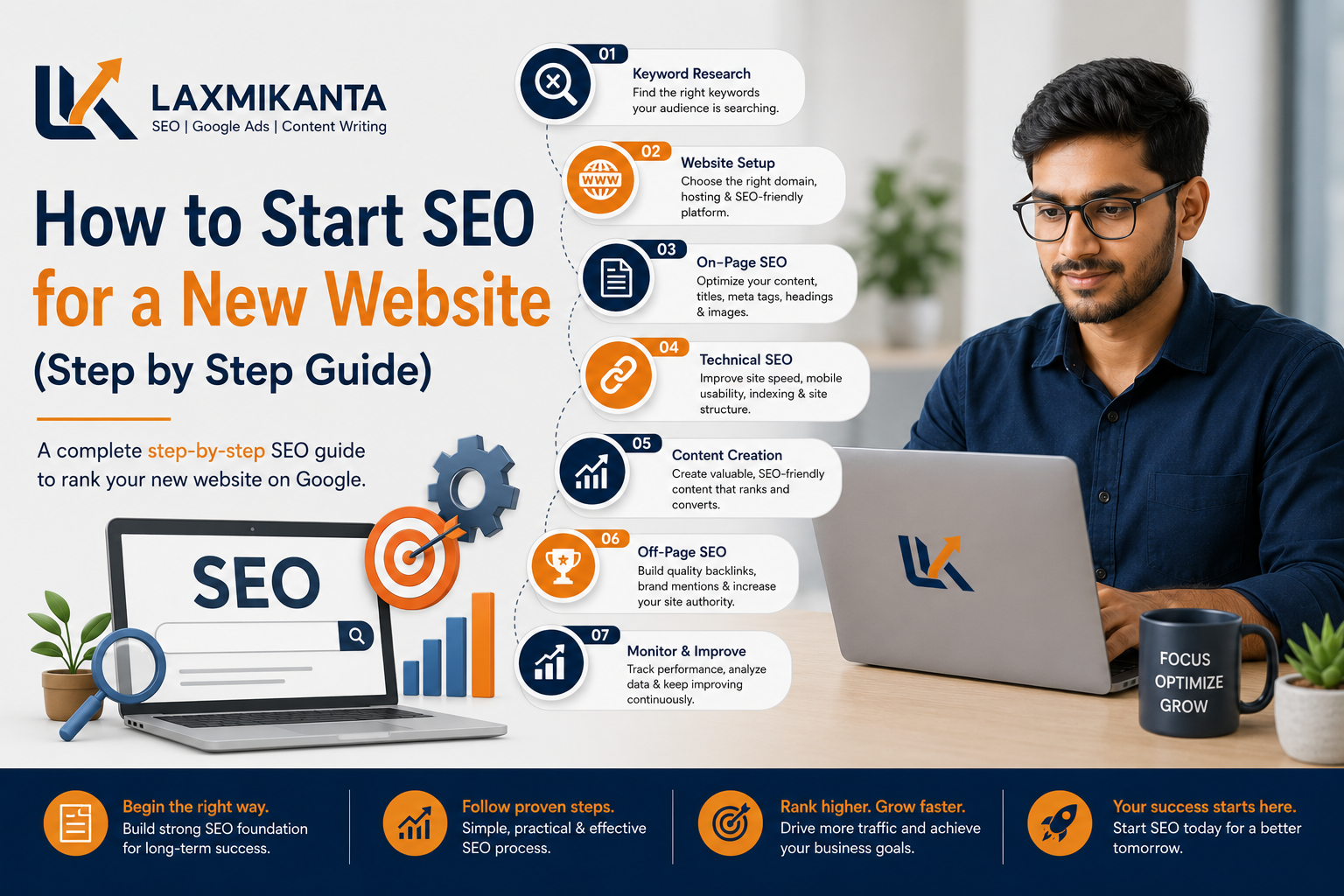
Launching a new website is exciting, but without SEO, it is almost invisible. Search engine optimization helps Google understand your site and connect you with the right visitors. This guide shows you how to start SEO for a new website in simple, practical steps.
You do not need to be a technical expert. If you follow these steps slowly and consistently, your new website can start building traffic and authority.
Step 1: Set Up the SEO Basics
Before you think about keywords and content, make sure your website is ready for search engines.
-
-
Check if your site is indexable
- Make sure there is no noindex tag on important pages.
- Check robots.txt to confirm you are not blocking search engines.
- If your CMS has a setting like “discourage search engines” or “private site”, turn it off.
-
Add Google Search Console
Google Search Console helps you see:
- Whether Google can crawl your site
- What keywords you start ranking for
- Any technical indexing issues
Create an account, add your website, and verify it via DNS, HTML tag, or your hosting platform. Then submit your XML sitemap so Google can discover your pages faster.
-
Add Google Analytics (or GA4)
Analytics helps you track:
- Which pages get visitors
- Where visitors come from
- How they interact with your content
This data will guide your future SEO decisions.
-
Step 2: Understand Your Business and Audience
SEO works best when it is aligned with real business goals.
Ask yourself:
- What are my main services or products?
- Who is my ideal customer?
- What problems do they search for online?
For example:
- A dietitian’s client might search “weight loss diet plan in Bangalore”.
- A CA firm’s client might search “income tax filing for freelancers”.
- A Interior Designer might search “Best Home Interior Designer”
Write down 5–10 problems or questions your ideal customer has. These will later turn into keywords and content topics.
Step 3: Do Keyword Research for a New Website
Now you can start exploring what people actually type into Google.
-
Start with long‑tail, low‑competition keywords
As a new site, it is hard to rank for “SEO”, “diet plan” or “CA services” or “interior designer”. Instead, target:
- “SEO for new website step by step”
- “diet plan for PCOS working women”
- “CA in Bangalore for small businesses”
- “Home Interior Designer Company in Bangalore Or ( some location of Bangalore)”
Long‑tail keywords:
- Are easier to rank for
- Bring more targeted visitors
- Often show stronger buying intent
-
Group keywords into topics
Take your list of keywords and group them into topics/silos, such as:
- “2BHK interior Designer Cost in Bangalore”
- “How to Choose Best Interior Designer in Bangalore”
- “Top Kitchen Interior Design Planner”
Each topic can become:
- One main page or
- One pillar article with supporting blog posts
-
Choose a primary keyword per page
For every important page, pick:
- One primary keyword
- 2–4 related secondary keywords
Use them naturally in:
- Title
- Headings
- First paragraph
- URL (if possible)
- Meta description
Step 4: Plan Your Website Structure
A clear site structure helps both users and search engines.
-
Decide your core pages
Most new websites need:
- Home page
- About page
- Service or product pages
- Blog section
- Contact page
- Testimonials page
-
Keep URLs simple and clean
Good URL examples:
- /2bhk-interior-designer-cost-in-bangalore”
- /how-to-choose-best-interior-designer-in-bangalore”
- /top-kitchen-interior-design-planner”
Avoid long, random URLs with numbers or special characters.
-
Plan internal links
From each page, link to:
- Related service pages
- Relevant blog posts
- Your contact or “get a quote” page
Internal links help Google understand your content structure and pass authority within your site.
Step 5: On‑Page SEO for Your Core Pages
On‑page SEO is the part you control directly on your site.
-
Write clear, helpful titles
Your SEO title should:
- Include the main keyword
- Be clear and human‑friendly
- Promise a benefit
Example:
- “How to Start SEO for a New Website (Beginner‑Friendly Guide)”
-
Use headings properly
Use one H1 per page (the main topic), then break content into H2 and H3 sections.
Include your keywords in some headings, but keep everything natural.
-
Optimize images
- Use descriptive file names: seo-new-website-checklist.png
- Add alt text describing the image
- Compress images so they don’t slow down the site
Step 6: Create Helpful, Original Content
For a new website, content is your main way to prove value.
-
Focus on solving real problems
Instead of writing generic content, answer specific questions, such as:
- “How long does SEO take for a new website?”
- “What are the first 5 things to do after launching a website?”
-
Avoid keyword stuffing
Use your main keyword and related terms naturally. Write as if you are explaining the topic to a real person sitting in front of you.
-
Publish consistently
You don’t need daily posts. Even 2–4 good articles per month are enough if they are well‑researched and useful.
Step 7: Fix Basic Technical SEO
You don’t need to be a developer, but check these essentials:
- Mobile‑friendly design: Most users are on phones. Make sure your site is responsive.
- Fast loading pages: Use compression, caching, and optimized images.
- HTTPS: Make sure your site uses a secure connection (https://).
- No broken links: Fix any 404 pages or wrong internal links.
These improvements can boost both rankings and user experience.
Step 8: Start Building Authority (Safely)
Backlinks help Google trust your new website.
Easy early steps:
- Create social profiles for your brand with a link to your site.
- Add your website to major, relevant directories.
- Use Web 2.0 properties (blog platforms, profiles) to share helpful content and link back to your main site.
Later, you can:
- Write guest posts on niche websites.
- Collaborate with other bloggers or businesses.
- Earn mentions from satisfied clients.
Always focus on quality and relevance, not on buying cheap links.
Step 9: Track, Measure, and Improve
SEO is not a one‑time setup. You need to monitor and refine.
In Google Search Console, watch:
- Which keywords bring impressions and clicks
- Which pages get indexed
- Any errors or warnings under Coverage
In Analytics, watch:
- Which pages get the most traffic
- How long people stay on your site
- Which pages bring leads or conversions
Use this data to:
- Update old content
- Improve low‑performing pages
- Create more content around topics that already bring visitors
Common SEO Mistakes New Sites Should Avoid
- Trying to rank for only high‑volume, competitive keywords in the beginning
- Copying content from other websites
- Ignoring technical issues like slow loading or mobile problems
- Buying spammy backlinks for “quick results”
These shortcuts may hurt your site more than help it.
Final Tips for a New Website’s SEO
Starting SEO for a new website is about laying a strong foundation:
- Make sure search engines can access and understand your site
- Choose realistic keywords and create content around them
- Organize your pages clearly and link them smartly
- Improve technical health and user experience
- Build trust step by step with good content and quality links
If you stay patient and consistent, SEO will turn your new website into a long‑term traffic and lead machine.