
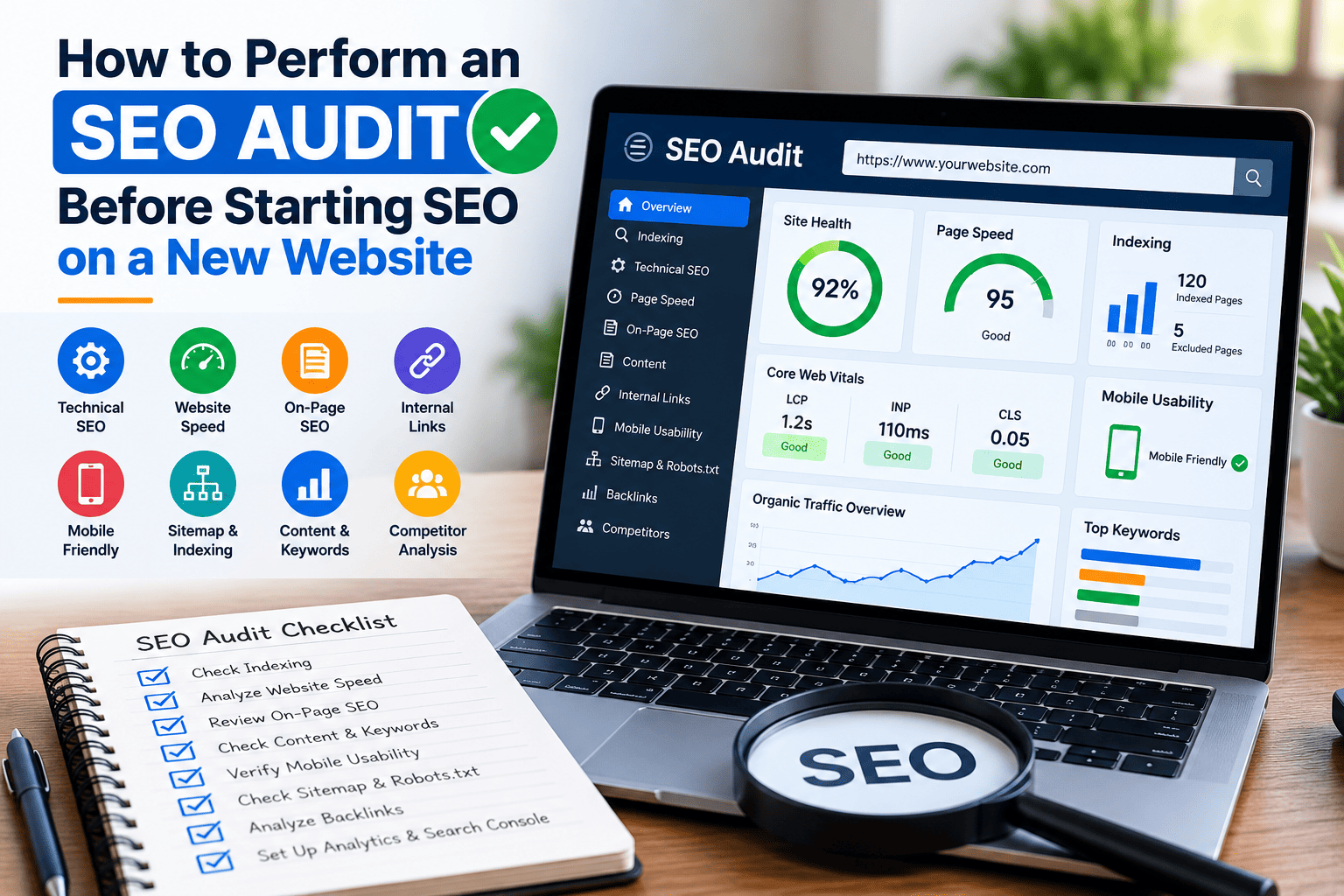
Starting SEO on a new website is an important step for any business. However, before working on keywords, creating backlinks, or publishing new content, it is important to check the website properly. A website may look attractive, but it can still have technical problems that affect its performance on Google.
An SEO audit for a new website helps identify these problems before starting SEO activities. It allows you to understand the current condition of the website and create a clear plan for improvement.
In this article, we will explain how to perform an SEO audit step by step and what you should check before starting SEO for a new website.
What Is an SEO Audit?
An SEO audit is the process of checking a website to find problems that may affect its visibility on search engines. It includes reviewing technical SEO, website speed, content, keywords, internal links, and other important factors.
The main purpose of an SEO audit is to understand what is working well and what needs improvement.
For a new website, an SEO audit is especially useful because it helps you fix important issues before investing time and money in SEO campaigns.
Why Should You Perform an SEO Audit Before Starting SEO?
Many businesses start SEO without checking their website. They focus on keyword research, blog posting, and link building but ignore technical problems.
This can lead to poor results and wasted resources.
Here are some reasons why an SEO audit should be your first step:
- It helps identify technical SEO problems.
- It checks whether Google can access and index your website.
- It helps improve website speed and user experience.
- It identifies missing or poorly optimized pages.
- It helps you understand your competitors.
- It provides a clear direction for your SEO strategy.
Once you understand the website’s current condition, you can decide which tasks should be completed first.
1. Check Website Indexing in Google
The first step is to check whether Google can find and index your website pages.
If your important pages are not indexed, they may not appear in Google search results.
You can start by searching for the following on Google:
site:yourwebsite.com
Replace “yourwebsite.com” with your actual domain name.
This search can show some pages from your website that Google has indexed. However, it does not provide a complete or fully reliable indexing report.
For a more accurate check, use Google Search Console.
Open the Pages report and review which URLs are indexed and which are not. You can also use the URL Inspection tool to check individual pages.
Look for problems such as:
- Pages excluded by a noindex tag
- Pages blocked by robots.txt
- Pages discovered but not indexed
- Pages with crawling errors
- Incorrect canonical URLs
Fix important indexing problems before moving forward with other SEO activities.
2. Check Website Speed and Core Web Vitals
Website speed is an important part of user experience. A slow website may frustrate visitors and make it harder for them to explore your services.
Use Google PageSpeed Insights to test your website.
Check both mobile and desktop performance. Pay attention to the following Core Web Vitals:
- Largest Contentful Paint (LCP): Measures how quickly the main content loads.
- Interaction to Next Paint (INP): Measures how quickly a page responds to user interactions.
- Cumulative Layout Shift (CLS): Measures unexpected movement of page elements.
Common reasons for poor website speed include large images, unnecessary scripts, poor hosting, and unoptimized code.
Compress images, remove unnecessary plugins, enable caching, and improve hosting where required.
Do not focus only on the speed score. Review the actual problems and fix the issues that have the greatest effect on visitors.
3. Review the Website Structure
A clear website structure helps visitors and search engines understand your website.Check whether your important pages are easy to find. Your website should have a logical structure that connects the homepage, service pages, category pages, and blog articles.
For example, a digital marketing website may have the following structure:
- Home
- SEO Services
- Technical SEO
- Local SEO
- Keyword Research
- Blog
- Contact Us
Make sure important pages are accessible through navigation menus or relevant internal links. Avoid creating unnecessary pages or placing important content too many clicks away from the homepage. well-organized website makes it easier for users to find information and for search engines to discover important pages.
4. Check Title Tags and Meta Descriptions
Title tags and meta descriptions help explain what each page is about.
During your SEO audit, review the titles and descriptions of your important pages.
Check for the following issues:
- Missing title tags
- Duplicate page titles
- Titles that are too vague
- Missing or duplicate meta descriptions
- Titles that do not match the page content
- Unnatural keyword usage
Every important page should have a clear and relevant title.
For example, if you offer SEO services in Bhubaneswar, a suitable title could be:
“SEO Services in Bhubaneswar | Laxmikanta”
Write meta descriptions that explain what visitors can expect from the page. Although meta descriptions are not a direct Google ranking factor, they can help users understand your content in search results.
5. Review Website Content and Keywords
Content plays an important role in SEO. Before starting optimization, check whether each page has useful and relevant information.
Identify the main purpose of every page and the search terms your target audience may use.
For example, a digital marketing website may target keywords such as:
- SEO services for small businesses
- Freelance SEO expert
- Technical SEO audit
- Local SEO services
- Website SEO optimization
Do not select keywords only because they have high search volume. Consider search intent, competition, and how closely the keyword matches your services.
Check whether important service pages provide enough information to answer customer questions.
If the content is copied, outdated, unclear, or too short to explain the service, improve it before starting a major SEO campaign.
6. Check Internal Links and Broken Links
Internal links connect different pages on your website. They help visitors discover related content and help search engines understand the relationship between pages.
Review your website for broken links, missing links, and unnecessary redirects.
For example, a blog post about technical SEO can link to your technical SEO service page if the link is useful to readers.
Use clear anchor text that describes the destination page.
Also, check whether your important pages receive internal links from relevant pages on your website.
Fix broken links and remove unnecessary links that provide little value to visitors.
7. Check Mobile-Friendliness
Many people browse websites using mobile phones. Therefore, your website should work properly on different screen sizes.
Open your website on a mobile device and check:
- Whether the text is easy to read
- Whether buttons are easy to tap
- Whether the menu works correctly
- Whether images fit the screen
- Whether forms are easy to complete
- Whether important information is visible
Also, test important pages using Google’s PageSpeed Insights and browser developer tools.
A website that works well on mobile devices provides a better experience and makes it easier for potential customers to contact your business.
8. Review Robots.txt and XML Sitemap
Robots.txt and XML sitemaps are important technical SEO elements.
The robots.txt file provides instructions to search engine crawlers about which areas of a website they can access. Check that it does not accidentally block important pages or resources.
An XML sitemap helps search engines discover important URLs on your website.
Make sure your sitemap includes the correct, indexable URLs. It should not contain unnecessary redirects, broken pages, or URLs that you do not want indexed.
You can usually find these files at:
- yourwebsite.com/robots.txt
- yourwebsite.com/sitemap.xml
The sitemap location may be different depending on your website platform.
Submit the correct sitemap through Google Search Console after checking that it is working properly.
9. Analyze Competitors and Backlinks
Competitor analysis helps you understand what other websites are doing to reach your target audience.
Identify a few websites that rank for your main business keywords. Review their service pages, content structure, keyword targeting, and internal linking.
You can also review their backlink profiles using SEO tools.
For your own website, check whether you already have backlinks from relevant websites. If the website is new, you may have very few backlinks, which is normal.
Focus on building genuine relationships, earning relevant mentions, and creating useful content. Avoid buying large numbers of low-quality links or creating backlinks through spammy methods.
10. Set Up Google Analytics and Search Console
Before starting SEO, make sure you can measure the results.
Google Search Console helps you understand how your website performs in Google Search. It provides information about impressions, clicks, search queries, indexing, and certain technical issues.
Google Analytics 4 helps you understand how visitors use your website, which pages they visit, and whether they complete important actions.
Set up suitable conversion tracking for actions such as:
- Contact form submissions
- Phone calls
- Email clicks
- Service enquiries
- Purchases, if applicable
Having this data from the beginning makes it easier to measure the impact of your SEO work.
Final SEO Audit Checklist
Before starting SEO on a new website, review the following checklist:
- Website is accessible and working properly.
- Important pages can be crawled and indexed.
- Google Search Console is set up.
- Google Analytics 4 is installed correctly.
- Website speed and Core Web Vitals are checked.
- Website structure is clear.
- Title tags and meta descriptions are reviewed.
- Content and keyword targeting are checked.
- Internal links and broken links are reviewed.
- Mobile usability is tested.
- Robots.txt and XML sitemap are checked.
- Competitors and existing backlinks are reviewed.
- Important conversions can be measured.
Conclusion
Performing an SEO audit before starting SEO on a new website helps you understand its strengths, weaknesses, and technical condition. It allows you to identify problems early and build a strategy based on the actual needs of the website.
Start with indexing, technical SEO, website speed, and site structure. Then review content, keywords, internal links, and tracking tools.
Remember that an SEO audit is not a one-time activity. You should review your website regularly as you publish new content, add pages, and make technical changes.
If you want to improve your website’s search visibility, start by understanding its current condition. A proper SEO audit gives you a clear starting point and helps you make better decisions throughout your SEO journey.